SCREENING ROOM / 私映 · UPDATED NOVEMBER 4, 2026
Private video playback: product facts & guides
Screening Room (私映) is a private media player that creates encrypted .efl files in storage you choose and plays supported protected media after unlocking. You can keep your folder organization instead of building a separate app-managed media library.
Written by QianYang, the developer. This page describes Screening Room, not every privacy app or storage provider.
At a glance
| Platforms | iPhone: iOS 16+. iPad: iPadOS 16+. Mac: macOS 14+. See the App Store for regional availability. |
|---|---|
| Protection | On-device encryption; protected output uses the .efl format. Password or supported biometrics control app access. |
| Storage | Compatible Files locations on iPhone and iPad; local, external and compatible mounted folders on Mac; optional direct OneDrive connection. |
| Free and Pro | Free core features, up to 3 registered entries and 1 cloud account; entry counting is explained in the app. Optional one-time Pro removes quantity limits. No subscription. Viewing, decryption and export remain available. |
| Developer account | No developer account required. Connecting OneDrive requires your Microsoft account. |
Choose the workflow that matches your files
- Keep an existing folder system without importing into another library: understand what “without importing” means and what happens to the original.
- Play OneDrive videos and prepare offline copies: direct cloud connection, encrypted playback and troubleshooting.
- Protect videos stored in iCloud Drive: save protected output to your chosen location and consider synchronization.
- Open protected NAS videos on iPhone: first confirm a compatible Files provider can access the NAS.
- Understand Files Recents and privacy: distinguish encrypted previews from existing recent-item history.
Does encryption replace or delete my original?
No. Creating an .efl file retains the original. First verify that the protected copy opens, then decide how to handle the original, cloud versions, trash and backups. Keeping both copies requires additional storage. “No separate library” does not mean zero extra disk space.
How does this differ from an app-managed vault?
An app-managed vault commonly asks you to import media into its own library. Screening Room lets you choose where protected files live. This suits people who already organize folders, but also makes you responsible for storage permissions, backups and recovery information. Different vault apps have different export and recovery policies; check each product individually.
What remains visible?
Encryption protects file contents, but does not hide file existence, filenames, folder names, sizes or all synchronization metadata. An app lock does not secure your cloud account. Screening Room cannot clear Apple Files Recents or erase unencrypted copies held elsewhere.
Can every cloud video stream without downloading?
No. The direct OneDrive connection supports on-demand access and offline copies. Files-provider and NAS access depend on the provider and may require a complete local download. Playback also depends on codecs, connection quality and device support. Screening Room does not supply a movie catalog or play every other app’s encrypted format.
What should I save before relying on encryption?
Keep recovery information in a safe place and verify the recovery options in the app. Optional iCloud recovery-information backup is distinct from backing up media. Read the privacy policy for the security and recovery model.
Actual app interface
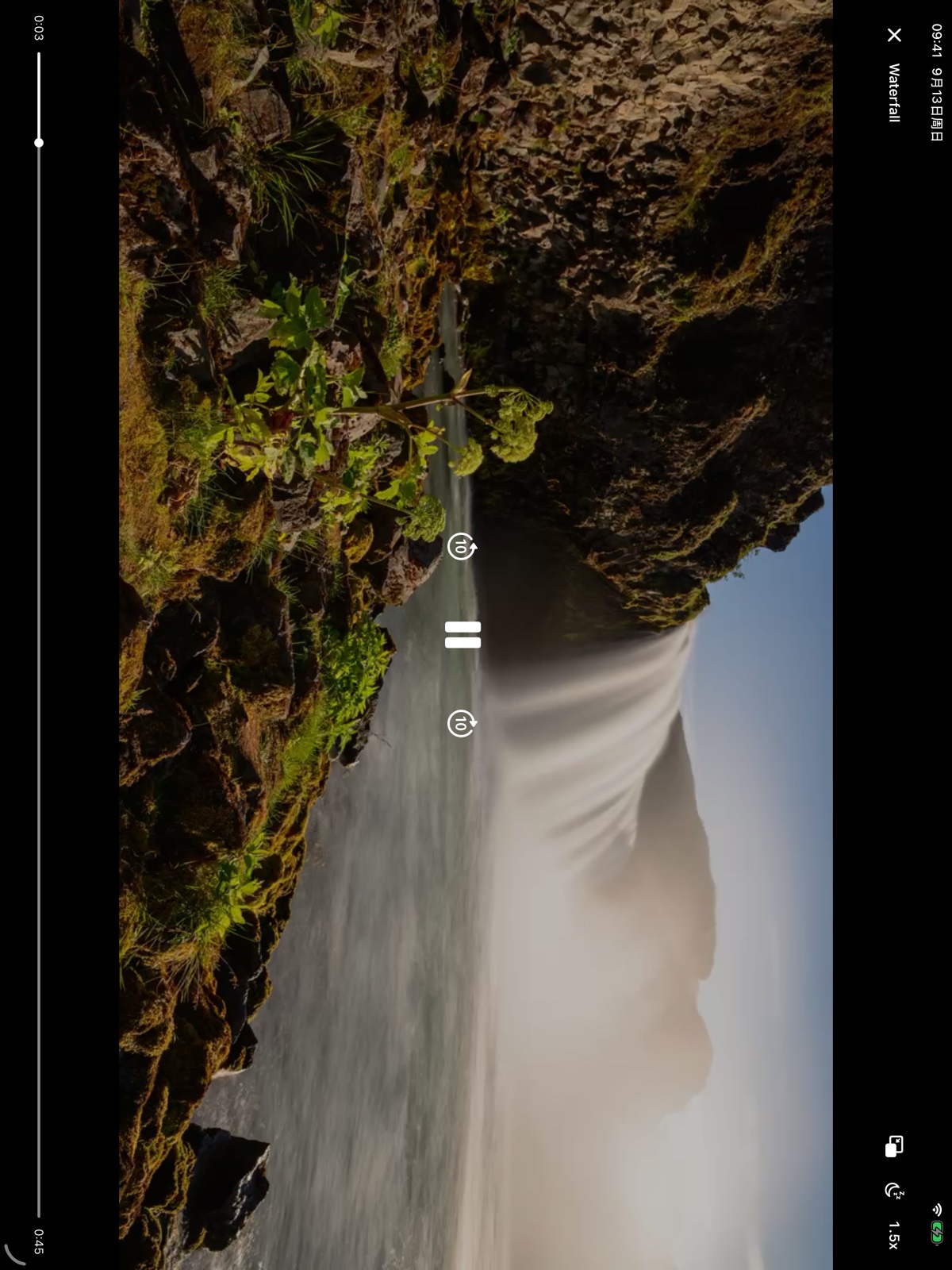
Actual iPad interface. For downloadable images and a short product description, visit the press kit.